
Project links
- Download latest release
- Windows users must download and run the prereq installer first.
- For Linux users, distro-specific deps will be linked from the readme.
- More detailed install instructions in the readme.
- Changelog and previous releases
- Source code repository and issue tracker
- Discuss or get support:
- BizHawk subforum
-
#bizhawkin the TASVideos DiscordServer, also the more specialised channels#tas-productionand#scripting(for Lua) - Other platforms: see the readme
- Contribute to EmuHawk testing or development
Documentation and Help
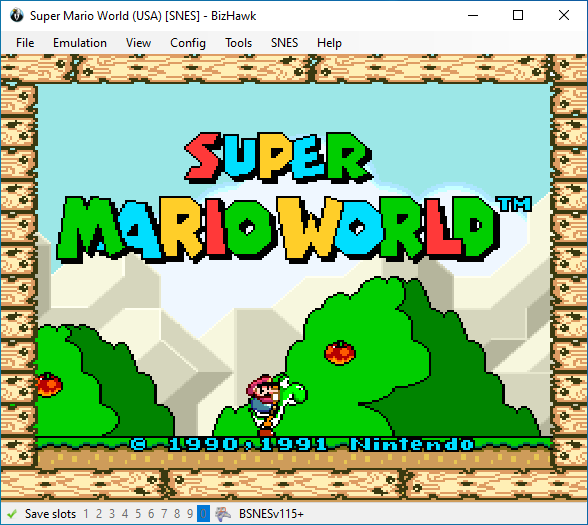
The BizHawk emulation project was made by and for TASers. Its products include the EmuHawk app and many emulation cores.
EmuHawk is a multi-system emulator frontend. It runs on most desktop and laptop PCs, can make movies (re-record) for 45+ systems, and offers unified debugging and scripting interfaces for them all, with few exceptions.
The readme on GitHub contains up-to-date setup instructions and other information for casual players—the links below are intended for TASers and glitch hunters.
EmuHawk is tightly-integrated with TAStudio, a piano roll interface for "composing" movies, which is based on FCEUX' TAS Editor. It uses savestates internally to let you rewind in an instant and adjust inputs.
TASingGuide includes a tutorial on TAStudio.
As per EmulatorResources and/or Platforms, EmuHawk is the preferred emulator for submissions to TASVideos in most cases. This is because accuracy has been valued over performance when choosing which cores to include.
That said, some less-accurate cores are included (for botting), so be aware of that when starting a project.
Other Resources
- FAQ
- Known Issues
- Speed, Throttling, and Rewinding
- Display Configuration
- Sound Configuration
- Features
- Rerecording
- Command Line
- Compiling
- Core Port Requests - A breakdown of possible platforms and current plans for supporting them
- Compact Disc Info Dump